Travel Security & Scam Awareness: Digital Safety Tips
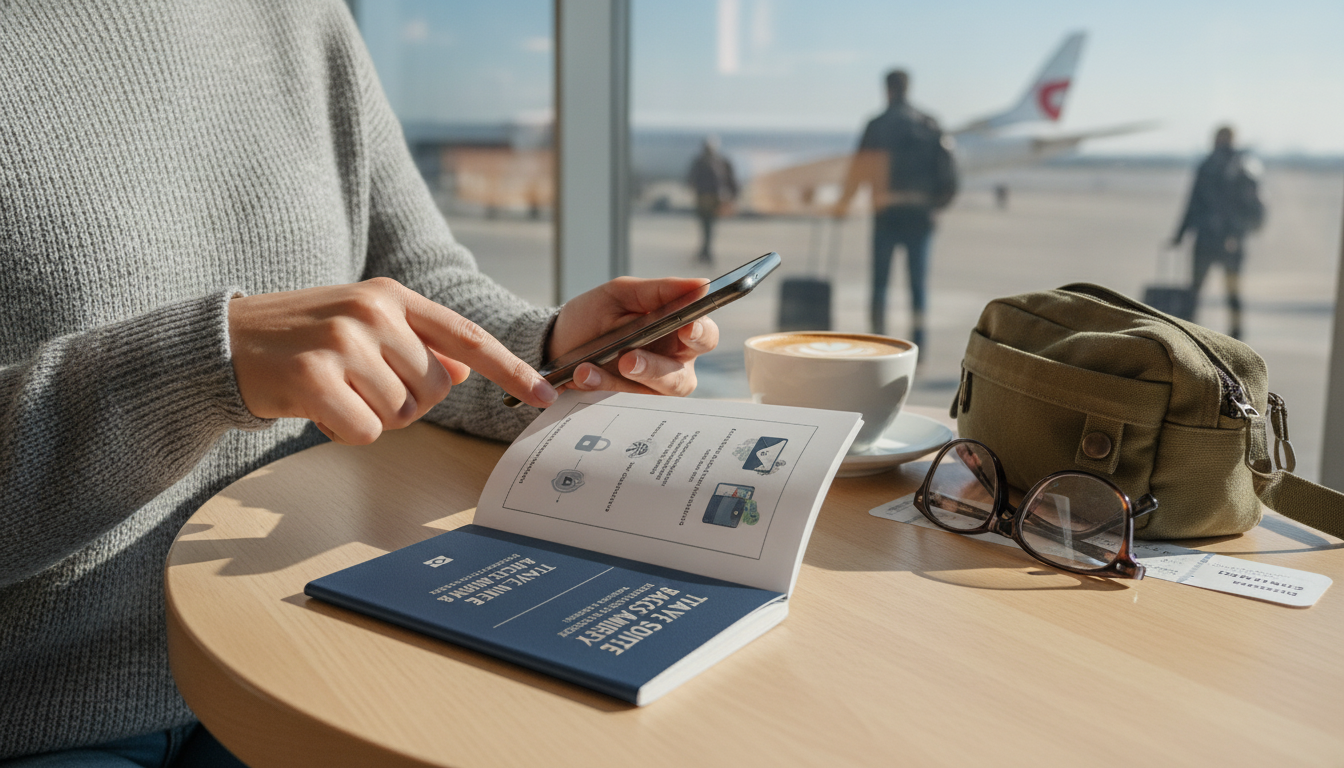
Travel Security & Scam Awareness Guide: Digital Safety for Tourists, Solo Travelers, and Business Trips
Travel security is a mix of street smarts and digital hygiene. A safe trip usually comes down to preparation, protecting identity and devices, spotting common scam patterns early, and having a simple response plan when something feels off. The goal isn’t paranoia—it’s reducing easy opportunities for theft, fraud, and account takeovers while you’re navigating airports, hotels, transit, coworking spaces, and day-to-day sightseeing.
Start with a quick risk check before booking
Before you pick flights and hotels, do a fast “trip profile” scan: destination, length, solo vs. group, night arrivals, rented vehicle plans, and whether you’ll carry work data or client access. This helps decide what needs extra protection and what can be left at home.
- Define what “must be protected”: passport, primary phone, bank cards, corporate accounts, two-factor authentication access, and prescriptions.
- Create a low-friction plan: emergency contacts, a shared itinerary with a trusted person, and one secure place for document copies.
- Use “separate worlds”: a travel-only email and minimal apps can reduce the blast radius if a device is compromised.
Pre-trip security checklist (15 minutes)
| Task | Why it matters | Done |
|---|---|---|
| Enable device passcode + biometric and set auto-lock to 30–60 seconds | Reduces exposure if phone is grabbed or left behind | ☐ |
| Turn on Find My / device location and test remote lock/wipe | Supports recovery and limits data loss | ☐ |
| Back up phone and save recovery codes offline | Prevents account lockouts during emergencies | ☐ |
| Notify bank of travel + set transaction alerts | Cuts down on card freezes and catches fraud early | ☐ |
| Photograph passport/IDs and store encrypted copy | Speeds replacement if documents are lost | ☐ |
| Set a daily spending card and a separate “backup” card | Limits damage if one card is compromised | ☐ |
For official pre-departure reminders (visas, insurance, emergency contacts, document prep), the U.S. Department of State Traveler’s Checklist is a solid reference.
Protect your identity, money, and documents on the move
Most travel losses happen during transitions: check-in lines, baggage claim, ticket kiosks, taxi drop-offs, and crowded attractions. Build a setup that avoids “single-point failure.”
- Keep primary ID and one payment method on-body; store backups separately (different pocket/bag).
- Prefer contactless payments when possible; avoid handing a card over out of sight.
- Use a cautious ATM routine: bank-owned machines in well-lit areas, cover the keypad, cancel if anything looks tampered with.
- Decline unsolicited “help” at kiosks, ATMs, and ticket machines; if interrupted, step aside and restart.
- Business travelers: carry a minimal “meeting wallet,” and leave spare cards/IDs secured at the hotel.
Digital safety in airports, hotels, and public Wi‑Fi
Public network red flags
| Red flag | What to do instead |
|---|---|
| Multiple similar Wi‑Fi names (e.g., “Hotel_Guest”, “HotelGuestFree”) | Ask the front desk for the official SSID and password |
| A “free” network suddenly asks for email + phone + date of birth | Skip it; use your hotspot or a trusted network |
| Captive portal looks low-quality or triggers certificate warnings | Do not proceed; disconnect and forget the network |
For additional practical guidance, the UK National Cyber Security Centre’s public Wi‑Fi safety tips align well with day-to-day travel use.
Common scams and how they unfold (pattern-based awareness)
To see how broad scam categories are defined (and why urgency is a common lever), the FBI’s common frauds and scams overview is a useful baseline.
Fast responses that break scam momentum
| Situation | Immediate move | Follow-up |
|---|---|---|
| Someone insists on “checking” your phone or wallet | Step back, say no, move toward staff/cameras | Contact official venue support using posted numbers |
| A stranger offers to “help” with an ATM/ticket kiosk | Cancel and restart alone; cover keypad | Change PIN if you feel it was observed |
| A message claims an urgent travel problem and links to login | Don’t click; open the official app/site manually | Enable alerts and review account activity |
Solo traveler habits that reduce vulnerability
Business trip security for devices, accounts, and sensitive conversations
Business traveler quick safeguards
| Area | Good default |
|---|---|
| Email access | MFA + alerts for new logins |
| File sharing | Time-limited links + view-only when possible |
| Meetings | No badge photos; keep laptops tethered or in sight |
| Calls | Headphones + avoid speakerphone in public |
If something goes wrong: a simple response plan
A ready-to-use handbook for real travel scenarios
- Travel Security & Scam Awareness Guide | Digital Safety Handbook for Tourists, Solo Travelers & Business Trips (digital download) is built around practical checklists and scenario-based actions you can pull up quickly.
- Finally Focused: The Anti-Procrastination Workbook – Productivity Ebook & Focus-Building Guide with Time Management Tools can be a helpful companion for trip planning, packing systems, and staying consistent with routines like backups, alerts, and micro-checks.
FAQ
What are the most common travel scams to watch for?
The most common patterns are distraction theft (spills/bumps), fake authority pressure (urgent “fines” or “inspections”), unsolicited “help” at ATMs or ticket machines, deal lures that reroute you, and digital impersonation texts/emails. The fastest exit is to stop the interaction, secure your belongings, move toward official staff/cameras, and restart any transaction privately.
Is it safe to use hotel Wi‑Fi for banking or work logins?
Hotel Wi‑Fi is shared infrastructure and can expose you to lookalike hotspots or monitored traffic, so it’s safer to use a personal hotspot when possible. If you must use Wi‑Fi, verify the exact network name with staff, avoid sensitive logins when you can, and keep MFA enabled (plus company-approved security tools for work accounts).
What should be done immediately if a phone is lost or stolen while traveling?
First, remote-lock (or wipe) the device and change your email password because it usually controls password resets. Then revoke active sessions, suspend your SIM/eSIM with the carrier, review banking/payment apps for unauthorized activity, and use backups plus recovery codes to regain access without getting locked out.











Leave a comment